Finding a reliable film negative scanner is essential for preserving memories and sharing old photos. The following picks represent popular, feature-rich options that handle 35mm, 126, 110, and other formats with user-friendly controls, built-in displays, and convenient loading systems. This guide compares capabilities, image quality, and ease of use to help you choose the right scanner for your needs.
Overview Of Chosen Models
| Brand | Model | Key Benefit | Formats |
|---|---|---|---|
| KODAK | Slide N SCAN Film & Slide Scanner | 5” LCD, fast load | 135, 126, 110 |
| HP | FilmScan Touch Screen Scanner | Touch screen control | 135, 126, 110 |
| Magnasonic | All-in-One 24MP Film Scanner | HDMI output, built-in memory | 35mm, 126, 110, Super 8 |
| KODAK | Slide N Scan Max | Bright display, easy loading | 135, 110, 126 |
| KODAK | SCANZA Digital Film & Slide Scanner | All-in-one inserts, fast operation | 35mm, 126, 110, Super 8, 8mm |
Note: Each model supports a range of film types and sizes, with displays that help preview before saving. The right choice depends on formats you own, how you want to view results, and whether you need built-in memory or HDMI/TV compatibility.
KODAK Slide N SCAN Film & Slide Scanner
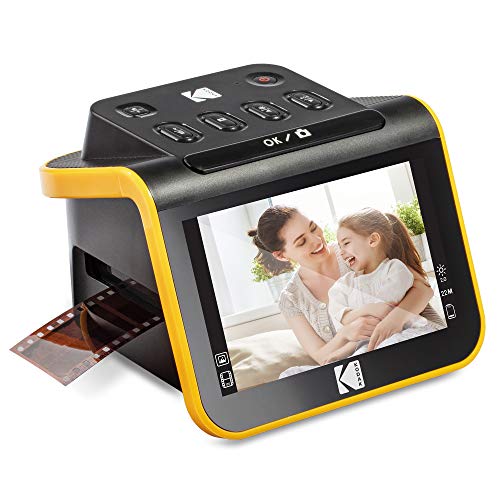
This model focuses on converting old color and black-and-white negatives in 135, 110, and 126 formats, plus 50mm slides. It supports direct saving to an SD card (not included) and includes a 5” LCD for quick previews. Quick-Feeding Tray technology enables continuous loading for faster scanning. Accessories include a 50mm slide holder, adapters for multiple film formats, a cleaning brush, USB and HDMI cables. The 1422MP capability promises sharp digital files for archival needs while enabling on-device gallery-style viewing.
HP FilmScan Touch Screen Film Scanner
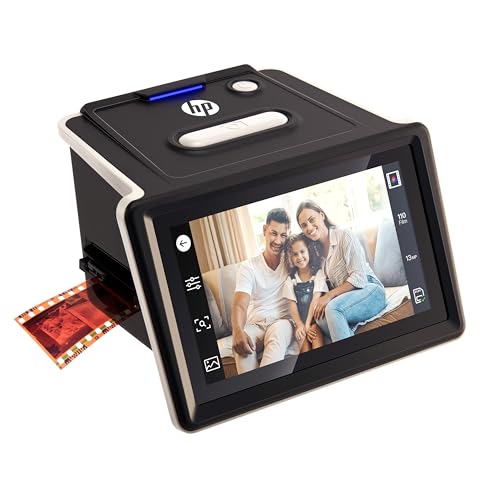
HP’s FilmScan emphasizes a touch-screen workflow for scanning and editing. It supports color and black-and-white negatives and slides across 135, 110, and 126 formats, with the option to save files directly to an SD card or computer. The 5” LCD provides gallery-style previews and allows quick edits before saving. The model is designed for straightforward operation and can function effectively as a digital picture frame when idle.
Magnasonic All-in-One 24MP Film Scanner
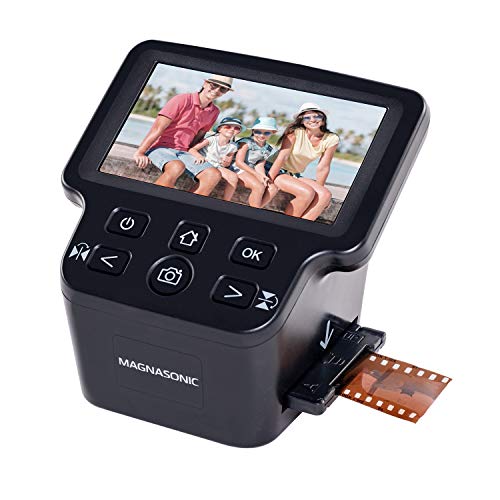
Magnasonic offers a comprehensive option with 24MP digital JPEG output for 35mm/110/126/Super 8 film and 135/126/110 slides. It features a 5″ LCD for direct viewing and an HDMI output to view scans on larger displays. Built-in memory plus an SD card slot extends storage capacity, enabling a broad archive of photographs. The device is positioned as a straightforward, all-in-one solution for home use and sharing digital copies with family and friends.
Kodak Slide N Scan Max Digital Film Slide Scanner

Slide N Scan Max emphasizes a bright 7” LCD and convenient gallery mode for instantly previewing and editing. It supports 13/22MP output and is compatible with 135, 110, and 126 formats, including 50mm slides. The scanner offers easy-load film inserts and adapters for a seamless workflow. It includes a slide holder, USB cables, and adapters, with HDMI not included. The larger display makes batch reviewing and selecting favorites simple before saving to a memory card.
Kodak SCANZA Digital Film & Slide Scanner
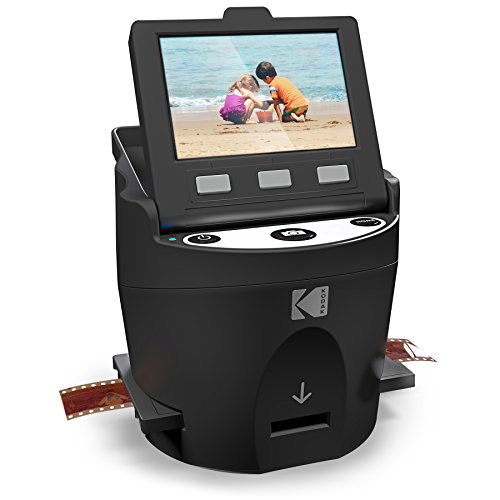
SCANZA is designed to convert 35mm, 126, 110, Super 8, and 8mm negatives and slides into JPEGs with a 3.5” LCD. It includes multiple film inserts and adapters, enabling fast setup for various formats. Its one-step scan and save approach is complemented by a built-in viewer for quick checks. This model is suited for users seeking an all-in-one mechanism that supports a broad range of archival formats in a compact package.
Buying Guide: Key Purchase Considerations
When selecting a film negative scanner, consider these factors to balance quality, compatibility, and workflow efficiency:
- Supported film formats: Ensure the scanner handles the formats you own (35mm, 126, 110, Super 8, etc.).
- Resolution and color depth: Look for 14–24MP or higher and robust color processing to preserve detail and tone.
- Display quality: A large LCD improves on-device previews and color assessment before saving.
- Load mechanism: Quick-feed trays reduce handling time; check compatibility with your reels and slide mounts.
- Storage options: Built-in memory, SD card support, and USB/HDMI connectivity affect how you store and transfer files.
- Ease of use: One-touch scanning, intuitive menus, and preset corrections help non-technical users.
- Output formats: JPEG is common, but consider RAW or TIFF options if you plan extensive post-processing.
- Viewing versatility: HDMI output enables viewing on TVs or monitors, expanding sharing opportunities.
- Maintenance and accessories: Cleaning tools, adapters, and brushes extend device life and compatibility.
Depth of field, color accuracy, and dynamic range can vary between models. For archival quality, prioritize scanners with higher resolution and reliable color calibration. If you frequently share galleries with family, a model with an appealing built-in display and easy-to-use editing features can save time. For long-term storage, ensure you can export to widely compatible formats and preserve metadata during transfers.